Ultimate IPTV Guide: Tutorials for Seamless Streaming
Welcome to our IPTV Guide! Whether you’re experienced or new, we’ve got you covered:
Choose your option, and let’s get started!
Familliar With IPTV
Ease of Setup: Clear Instructions
- M3U Links: Just paste the provided link.
- Xtream Codes: Enter details effortlessly.
- EPG Link: Easily sync Program Guide for schedules
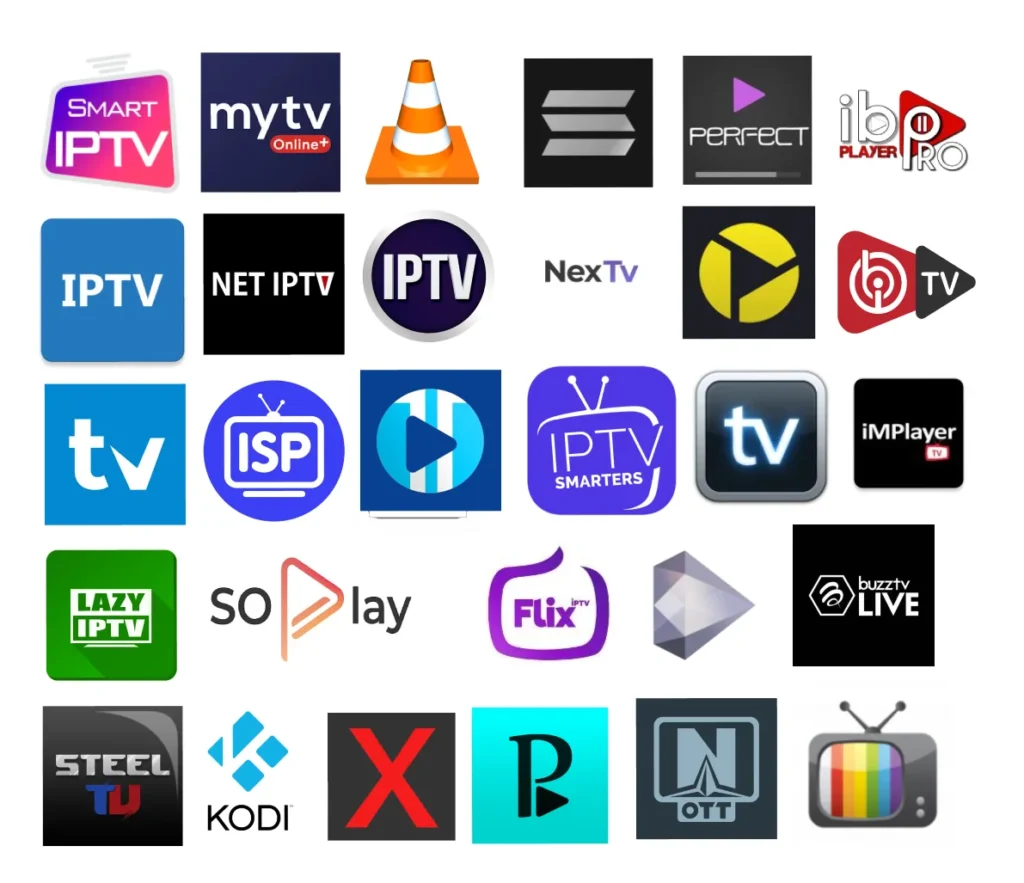
Work on Any IPTV Player App ( Popular Apps )
if You have any Question Please Contact us..
ALL Good! What Are You waiting for?
Get Free Assistance Now
New to IPTV! I'll Guide You
Amazon Fire [Stick - TV - Cube]
Android Devices [Android Box - Android TV - Stick]
ChromeCast
Apple TV | IOS App
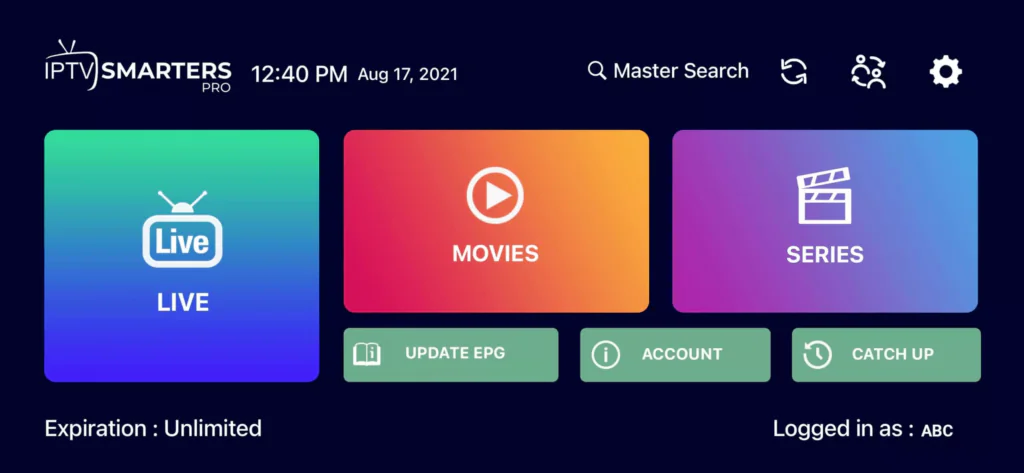
How To Setup IPTV On Apple/IOS With IPTV Smarters Player
Step 1: Start by downloading IPTV Smarters app from the Apple Store through this URL :
https://apps.apple.com/in/app/smarters-player-lite/id1628995509
or you can search for it on App store [Smarters Player Lite]
install the app on your IOS device
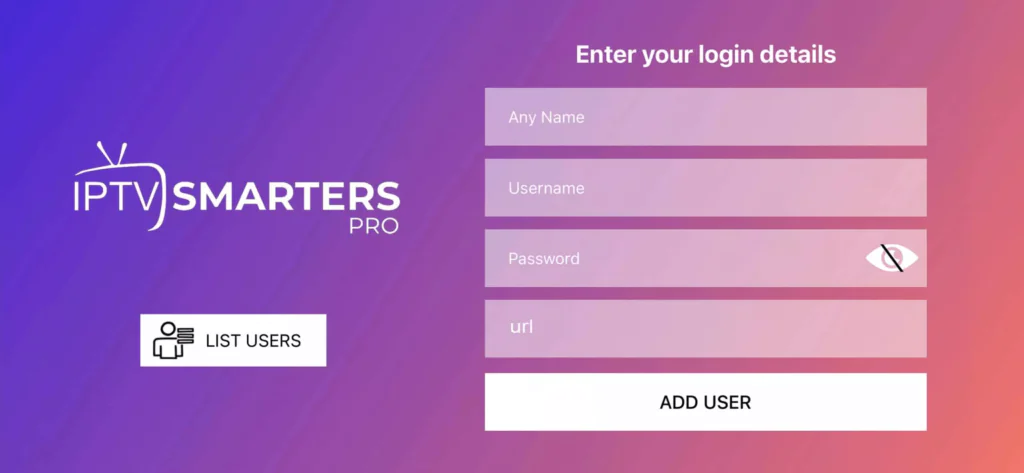
Step 2: Open the app once downloaded and Enter the login details.
Step 3: Enter the login details that we have provided you after you get a subscription with us
Step 4: Wait some seconds.
Step 5: Now click on “Live TV” icon as depicted in the image via a red arrow.
Step 6: Now you must select the channel group that you want to watch and proceed to the next section.
Step 7: Now you must click on the channel name and then double click on the small screen to turn into full screen as the final step
Confused? 🤔
Subscribe now for personalized assistance.

Smart TV | Any Brand
How to install IPTV on Any Brand Smart TV
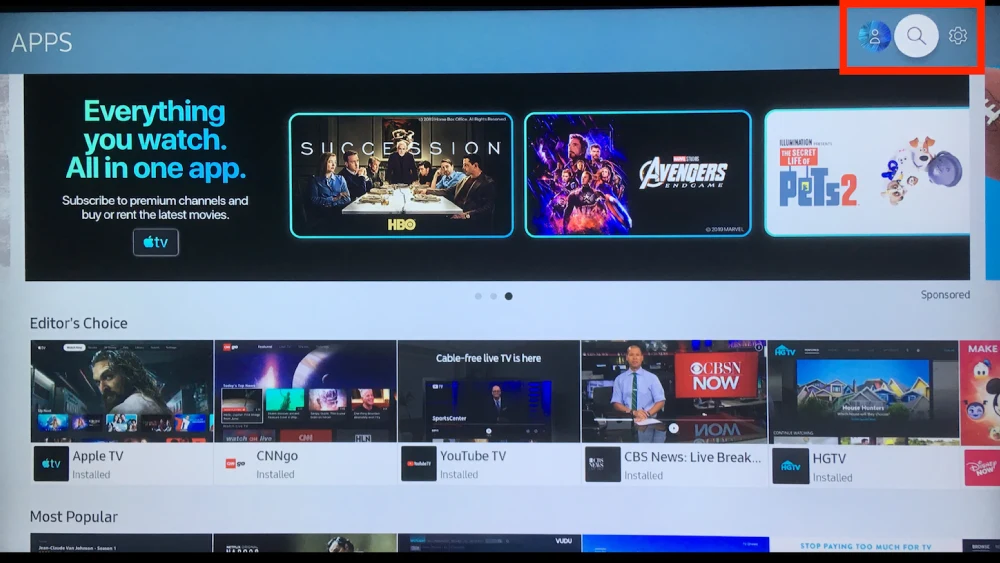
Step 1 :Using your remote’s arrow buttons again, highlight the magnifying “glass icon” or “search feature” or any apps section to install apps.
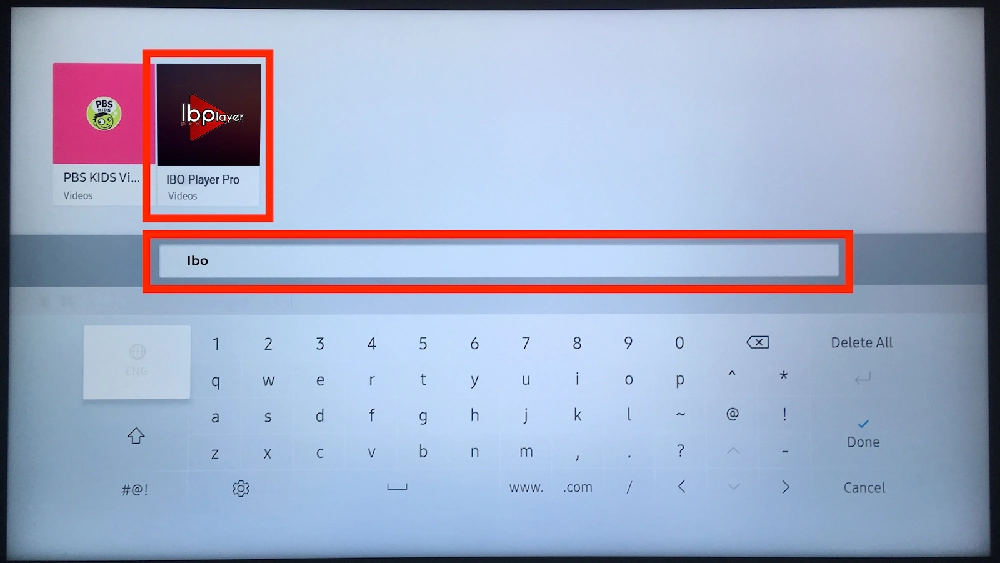
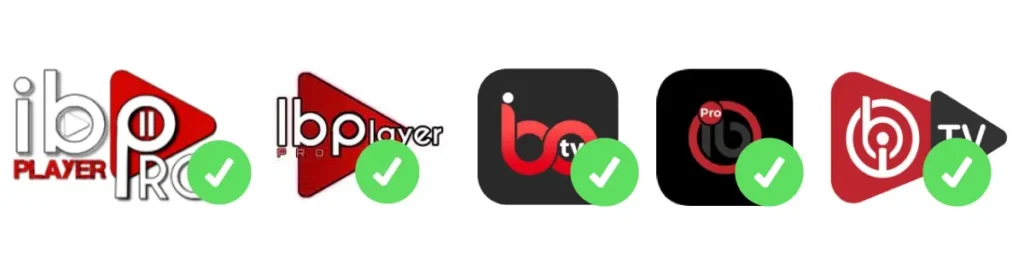
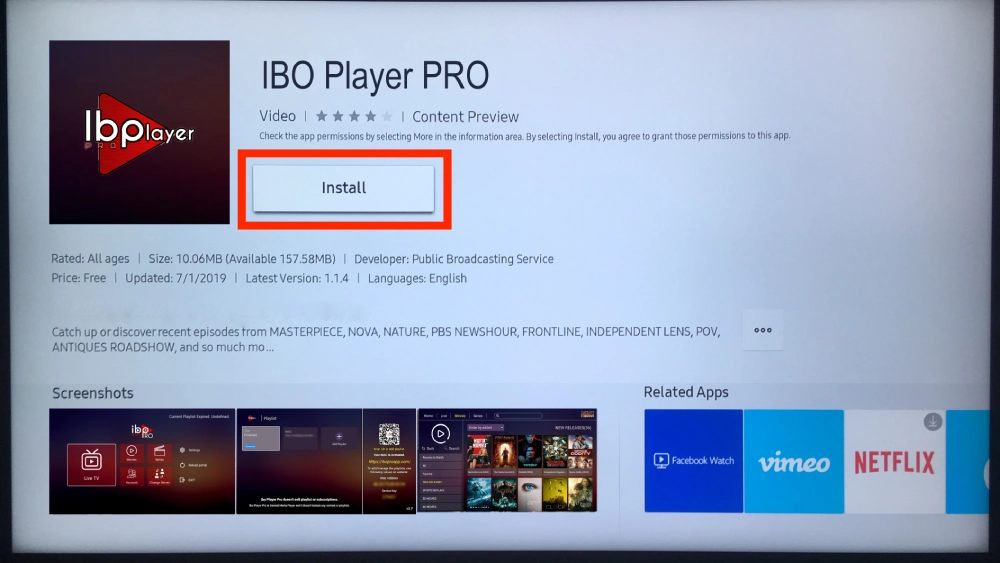
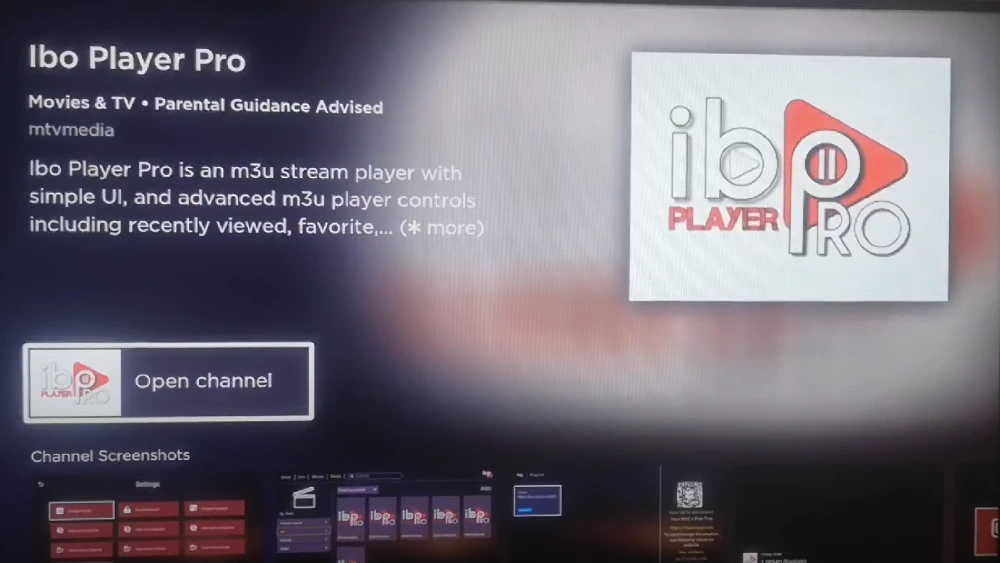
Step 2: Use the Search feature to search Samsung’s available app offerings for “ibo” and choose any apps appears like the apps on the second image.
Step 3: An option to “Install” the app will appear in the center of the screen. Select this option.
Confused? 🤔
Subscribe now for personalized assistance.
Any Roku Device [ Box - Stick - TV]
How to install IPTV on Any Roku Device
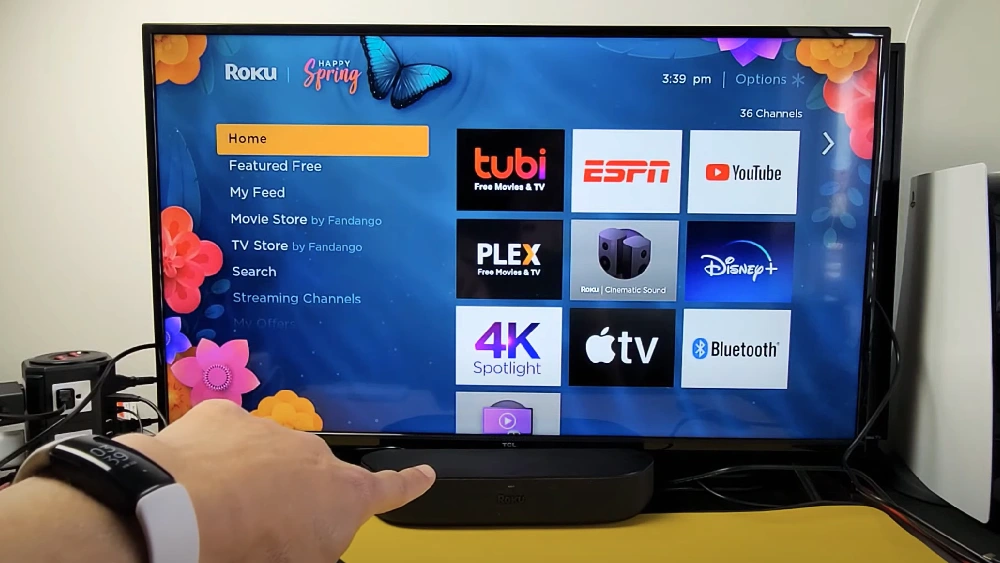
Step 1 : Go to your Roku home screen.
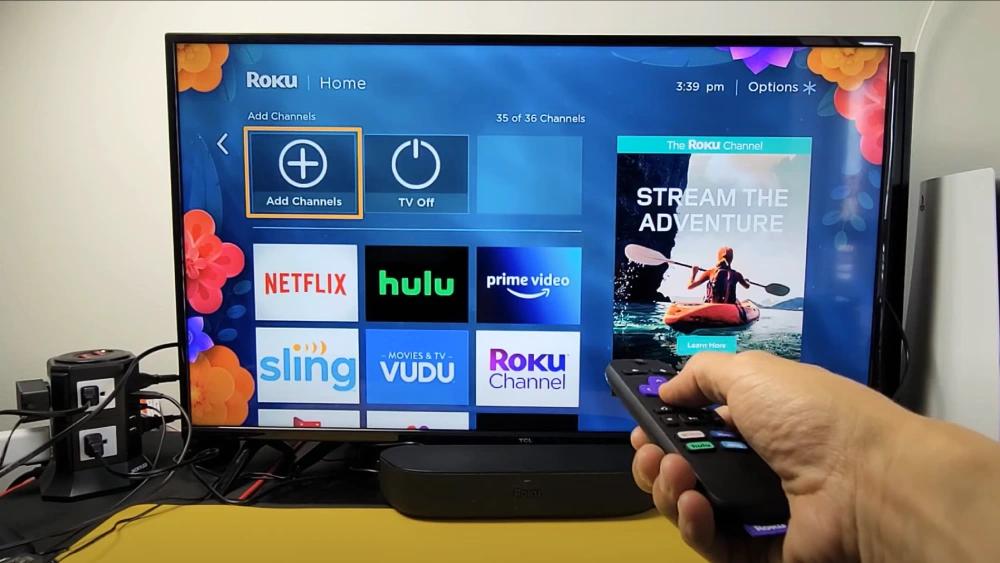
Step 2 : Select “Streaming Channels” from the sidebar to open the Roku Channel Store.
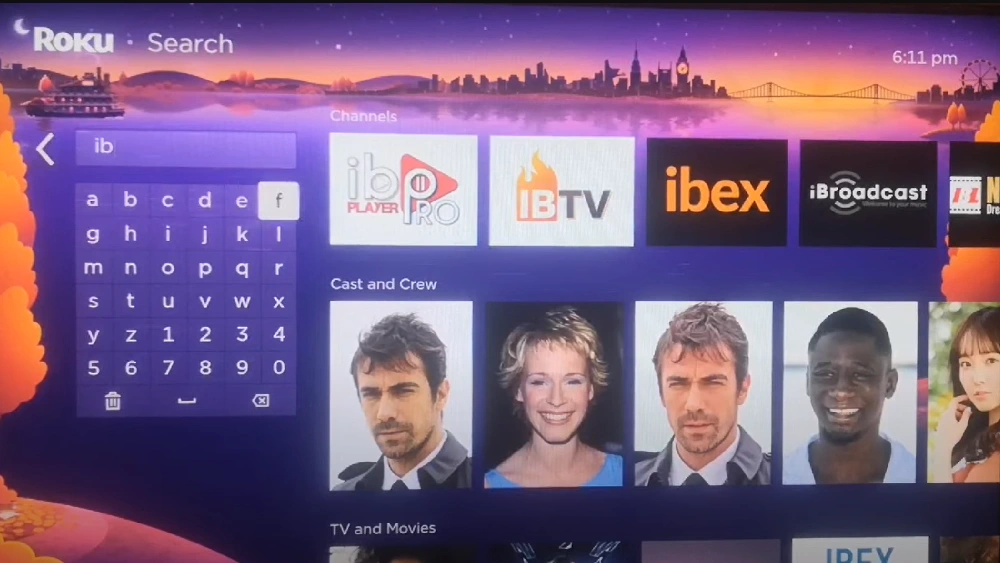
Step 3 : Use the search option and type “IBO Player Pro” to find the app.
Step 4 : let Roku download and install IBO Player Pro.
Confused? 🤔
Subscribe now for personalized assistance.
DOWNLOADS
DOWNLOAD OLD VERSION OF IPTV SMARTERS PRO – CLICK TO DOWNLOAD
One-Time Payment • Refund Policy Present • 2-Day Guarantee